Usage
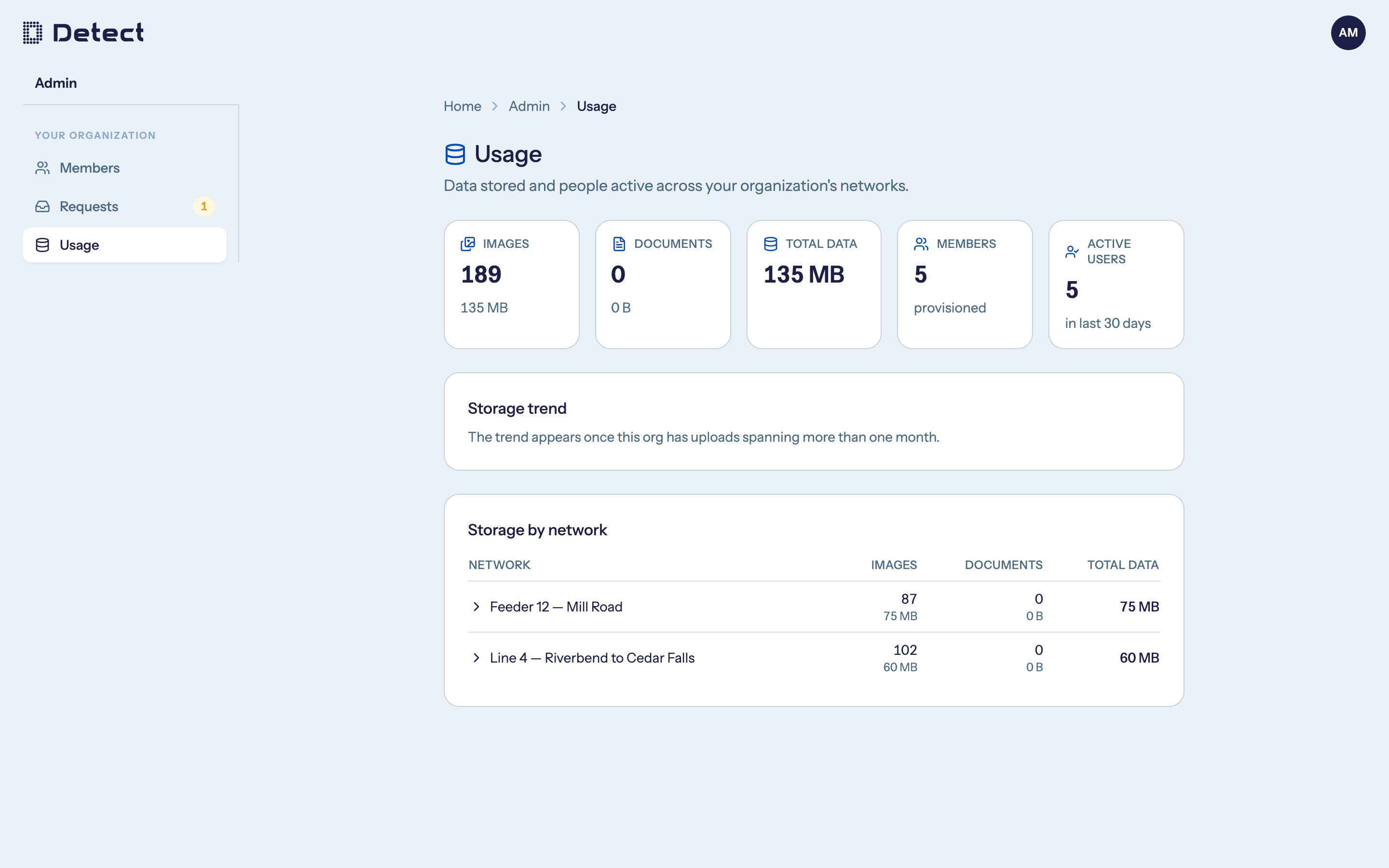
The Usage page shows how much data your organization stores and how many people use DetectOS. It is available to Admins of utility organizations.
Go to Admin › Usage.
What you can see
- Images and Documents: how many files you store, and how much space they take.
- Total data: everything your organization stores.
- Members: everyone with an account in your organization.
- Active users: people who signed in during the last 30 days.
- Storage trend: how your stored data has grown over time. It appears once your organization has uploads spanning more than one month.
- Storage by network: a breakdown per network, shown when you have more than one. Expand a network to see the images in each inspection.
Plan limits
If your plan includes storage or seat limits, a Plan limits section shows how much of each you have used:
| Label | Meaning |
|---|---|
| 45% used | Within your plan. |
| Near limit | 80% or more of the limit is used. |
| Over limit | The limit has been reached or passed. |
When you are near or over a limit, Admins also see a banner on the Home page. Contact Detect to review your plan.